


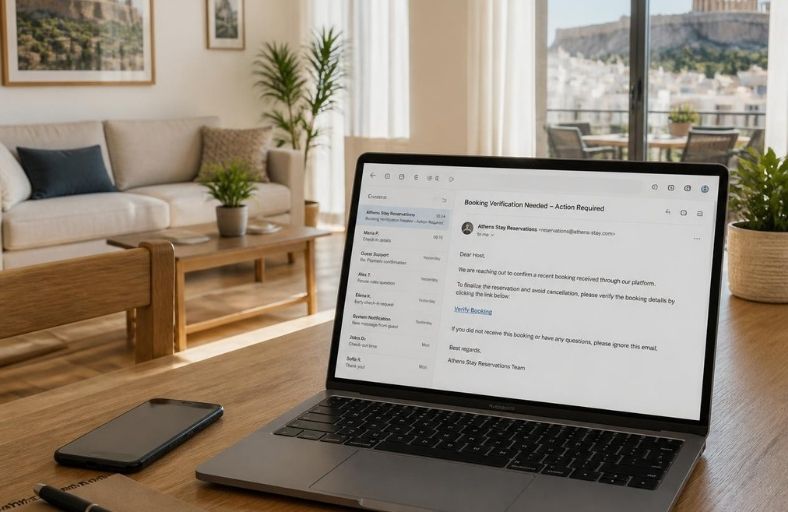

Data security in short-term rentals can be put to the test during a perfectly ordinary moment: when an employee opens a message about a booking, a guest complaint, or a supposed account verification.
The message appears urgent and relevant to their work. The link leads to a page that resembles a familiar platform. A few seconds later, the employee may have handed over their login credentials or installed malicious software.
For a property manager, the consequences could affect multiple bookings and properties simultaneously. Depending on the account and its access permissions, guest contact details, stay information, messages, and property access instructions could be exposed.
The trap that looks like everyday work
Microsoft has documented a phishing campaign impersonating Booking.com and targeting hospitality businesses. The deceptive messages exploited issues that a reservations team might deal with on a daily basis.
In some cases, users were directed to a fake verification process known as ClickFix. The page instructed them to copy and execute a command on their computer, supposedly to complete a check or fix a problem. This action could install software designed to steal credentials.
The practical rule for the team is clear: a verification process that asks users to execute commands on their computer requires them to stop immediately and consult their IT support provider.
Who has access to what?
Data security in short-term rentals also involves the day-to-day organization of the business.
A shared password for all staff makes it difficult to control access. The same applies when former partners retain active accounts or when an employee can view more information than they need to perform their job.
The housekeeping team, for example, needs the departure schedule and the necessary property entry instructions. It generally does not need access to identification documents or financial information.
Individual accounts, role-based access restrictions, and the immediate removal of access for those who leave help limit the consequences of a mistake or security breach.
Five checks worth making now
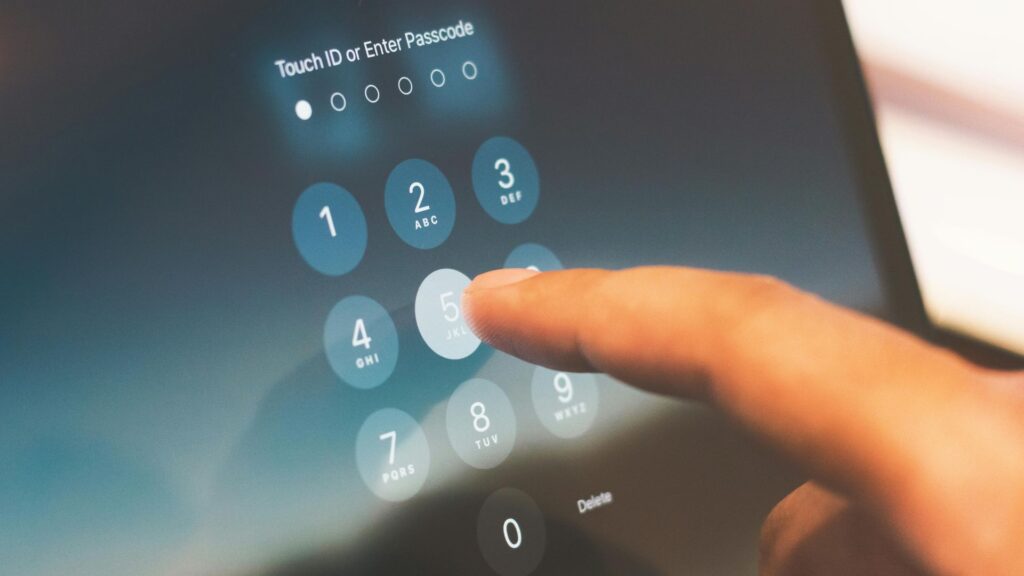
1. Secure email and booking accounts first. Use different, strong passwords and enable multi-factor authentication. Where supported, choose phishing-resistant solutions such as passkeys or security keys.
2. Bookmark official login pages. The team can log in through verified bookmarks or official apps, reducing the need to follow links in messages.
3. Review the data you retain. Record where guest information is stored, who can access it, and how long it needs to be kept. Copies of documents in emails, mobile phones, and shared folders increase the number of places that need protection.
4. Ask your suppliers. Your property management system, online check-in tool, and other applications should be reviewed in terms of access controls, data deletion, and notification procedures in the event of an incident.
5. Agree on how suspicious messages should be reported. Employees need to know whom to contact and what to do if they have already clicked a link or provided their credentials.
If a data breach occurs
The business needs immediate coordination with the platform or supplier and its IT support team to restrict access and determine what has been affected.
At the same time, its personal data protection obligations must be assessed. The GDPR requires notification to the competent supervisory authority without undue delay and, where feasible, within 72 hours of becoming aware of the breach, unless the breach is unlikely to result in a risk to individuals’ rights and freedoms. In cases of high risk, affected guests may also need to be notified.
Data security in short-term rentals needs to be integrated into the business’s daily operations, with the same consistency applied to organizing arrivals, payments, and property handovers.
